
The best website to crop images online.
CropMyImages is the best website to crop images online for free. Precision cropping, unit sizing (px, in, cm, mm), circular crop shapes, social media aspect ratio presets, and target file size compression.
Drop your image here, or Tap to select photo, or Browse
High-precision cropping studio. Supports PNG, JPG, WEBP, AVIF & GIF up to 10MB.
Select File from Device
Ready to upload your photo? Click anywhere to startTap anywhere to upload photo
How to crop your image in 3 simple steps
Follow these quick steps to scale, crop, and resize any photo or graphics file in seconds.
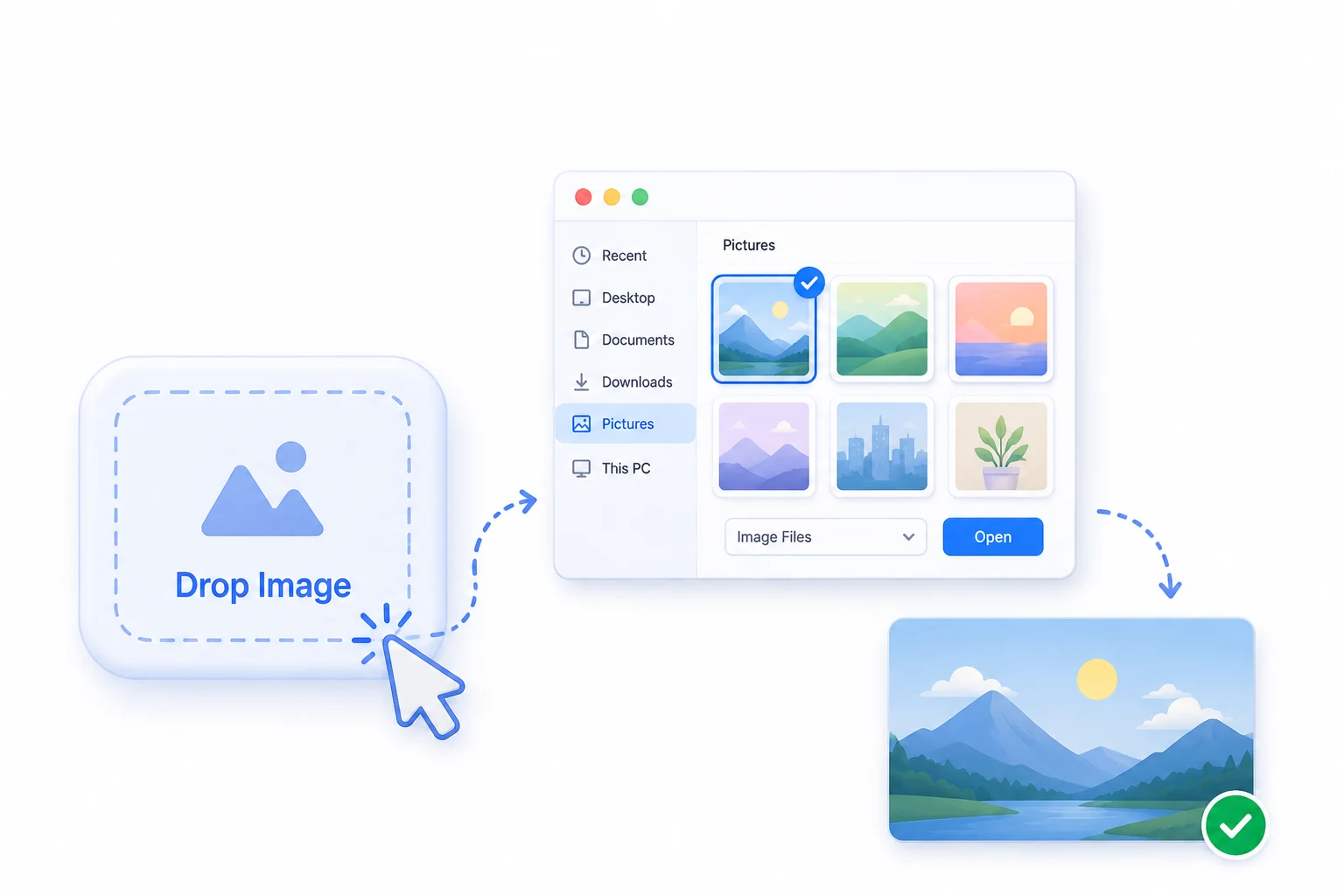
1
Select your image
Click on the "Select Image" button or drop your photo directly from your computer, tablet, or phone to get started.
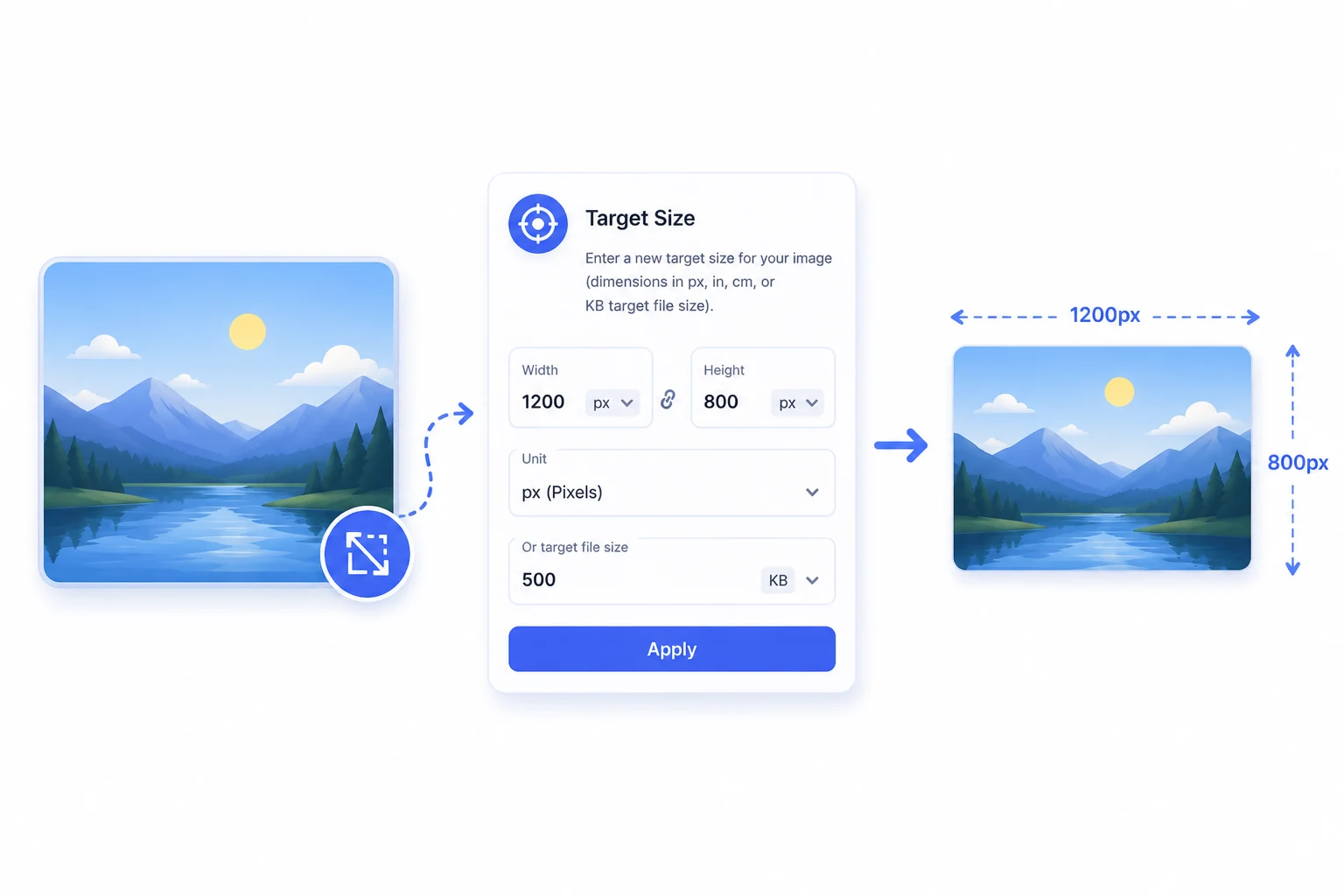
Enter target size & customise
Enter a new target size for your image (dimensions in px, in, cm, mm, or target file size in KB/MB) and lock aspect ratio or adjust crop.
2
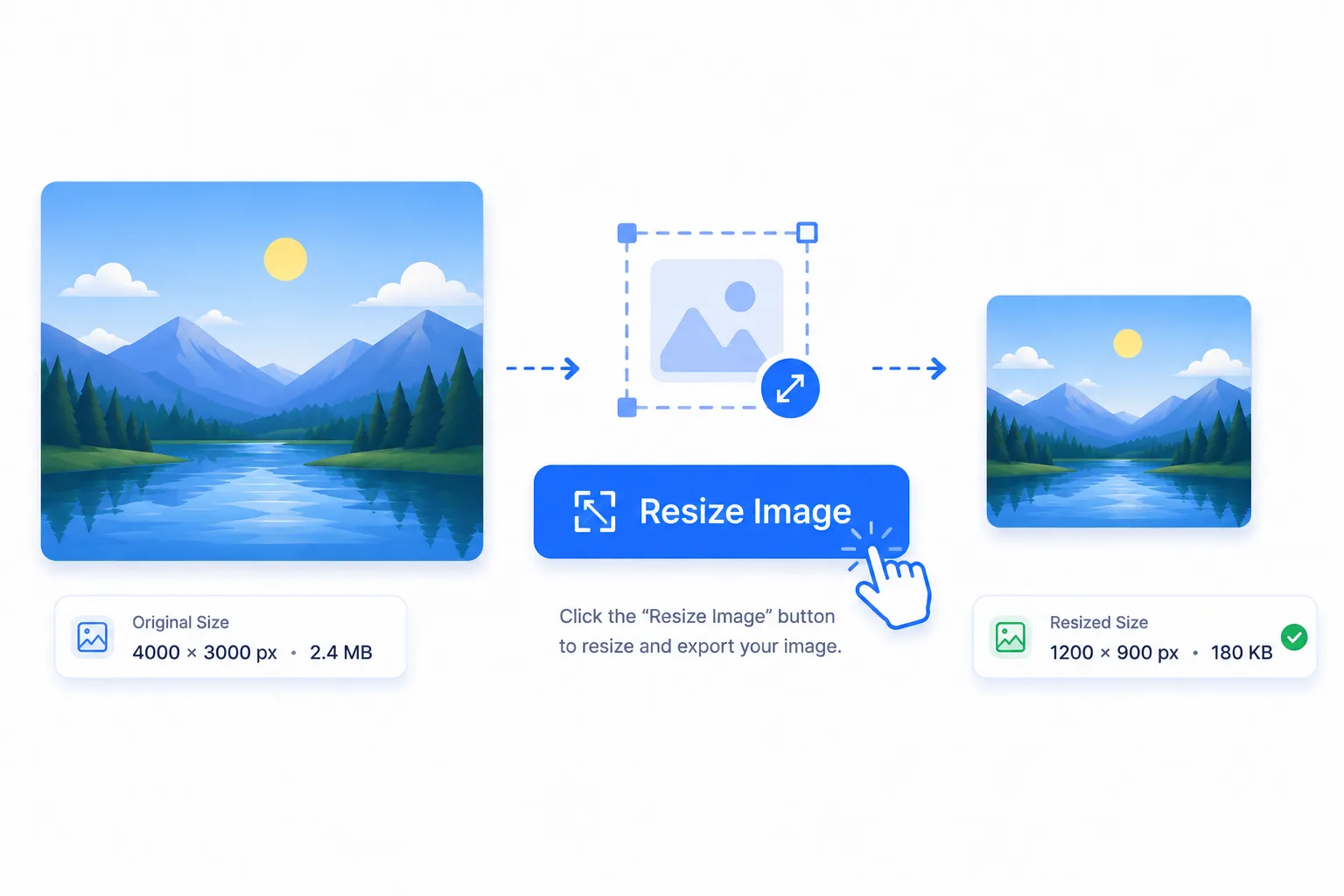
3
Crop & download
Click the "Crop Image" button to instantly process your cropped image and export in WebP, PNG, JPG, or AVIF format.
Frequently asked questions.
To crop an image without losing quality, upload your high-resolution original image into CropMyImages, adjust the interactive crop handles or lock your aspect ratio, and export in WebP or PNG format. Our high-precision engine preserves maximum image sharpness.
Yes! CropMyImages allows you to enter exact custom dimensions in pixels (px), inches (in), centimeters (cm), or millimeters (mm) with adjustable DPI settings (96 DPI for web displays or 300 DPI for high-resolution printing).
Switch the crop shape setting in CropMyImages from Rectangle to Circle or adjust the Corner Radius slider (0px to 100px) to export circular cropped photos or soft-corner graphics with transparent backgrounds.
CropMyImages provides one-click aspect ratio presets for all social media platforms: 1:1 for Instagram square posts & profile pictures, 9:16 for Instagram Stories, Reels & TikTok, 16:9 for YouTube thumbnails & Facebook headers, and 4:5 for portrait feeds.
Under Export Settings, enter your target maximum file size in KB (e.g. 100 KB for passport applications or exam forms). Our server engine runs binary search quality optimization to compress the image under your exact KB limit.
Yes! You can upload any image format (JPG, PNG, WebP, AVIF, GIF, SVG) and instantly convert it to WebP, PNG, JPG, or AVIF while cropping.
No. CropMyImages strictly respects user privacy. Your images are processed strictly in server memory (RAM) and are permanently discarded immediately after processing.