
The best website to crop images online.
CropMyImages is the best website to crop images online for free. Precision cropping, unit sizing (px, in, cm, mm), circular crop shapes, social media aspect ratio presets, and target file size compression.
Drop your image here, or Tap to select photo, or Browse
High-precision cropping studio. Supports PNG, JPG, WEBP, AVIF & GIF up to 10MB.
How to crop your image in 3 simple steps
Follow these quick steps to scale, crop, and resize any photo or graphics file in seconds.
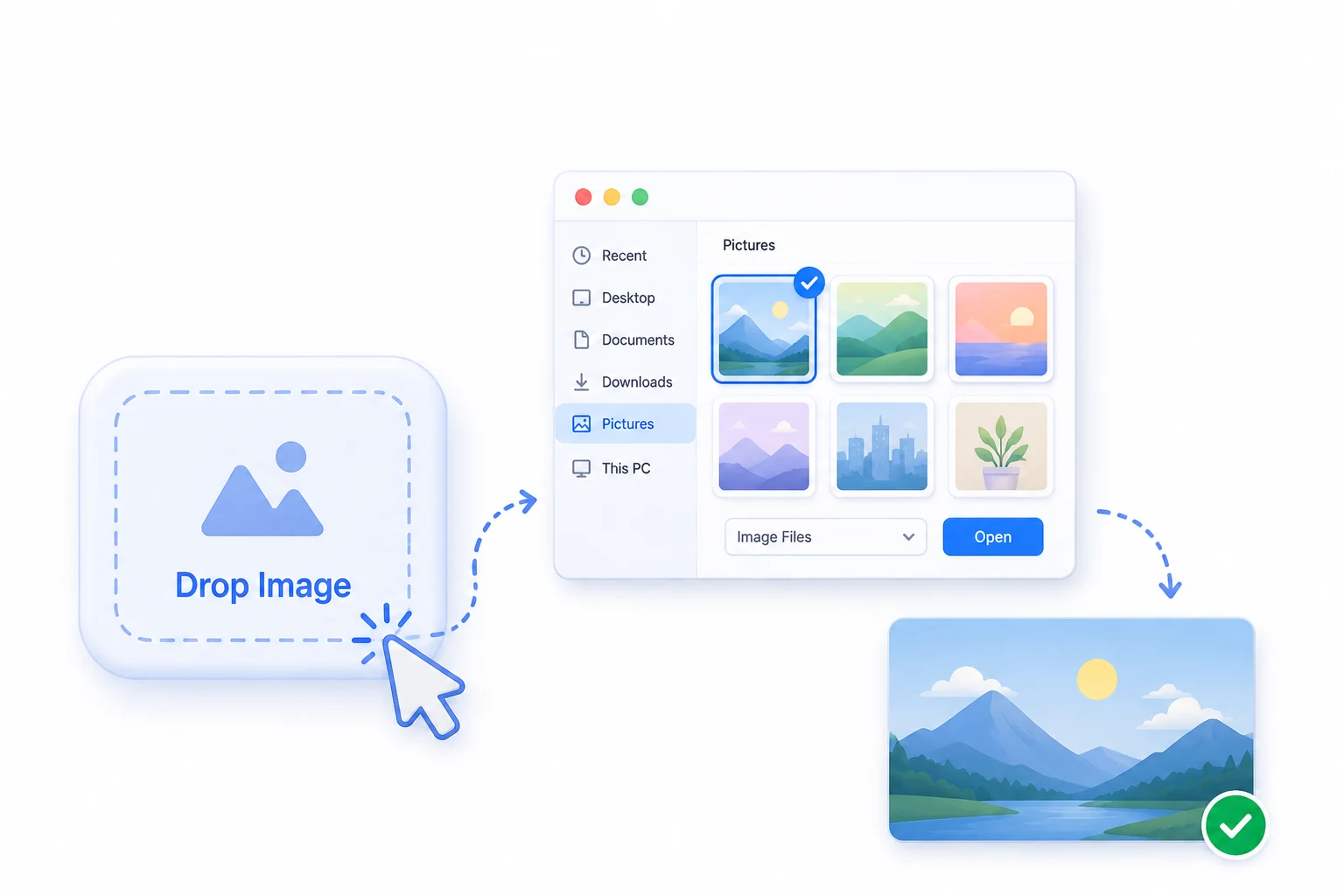
Select your image
Click on the "Select Image" button or drop your photo directly from your computer, tablet, or phone to get started.
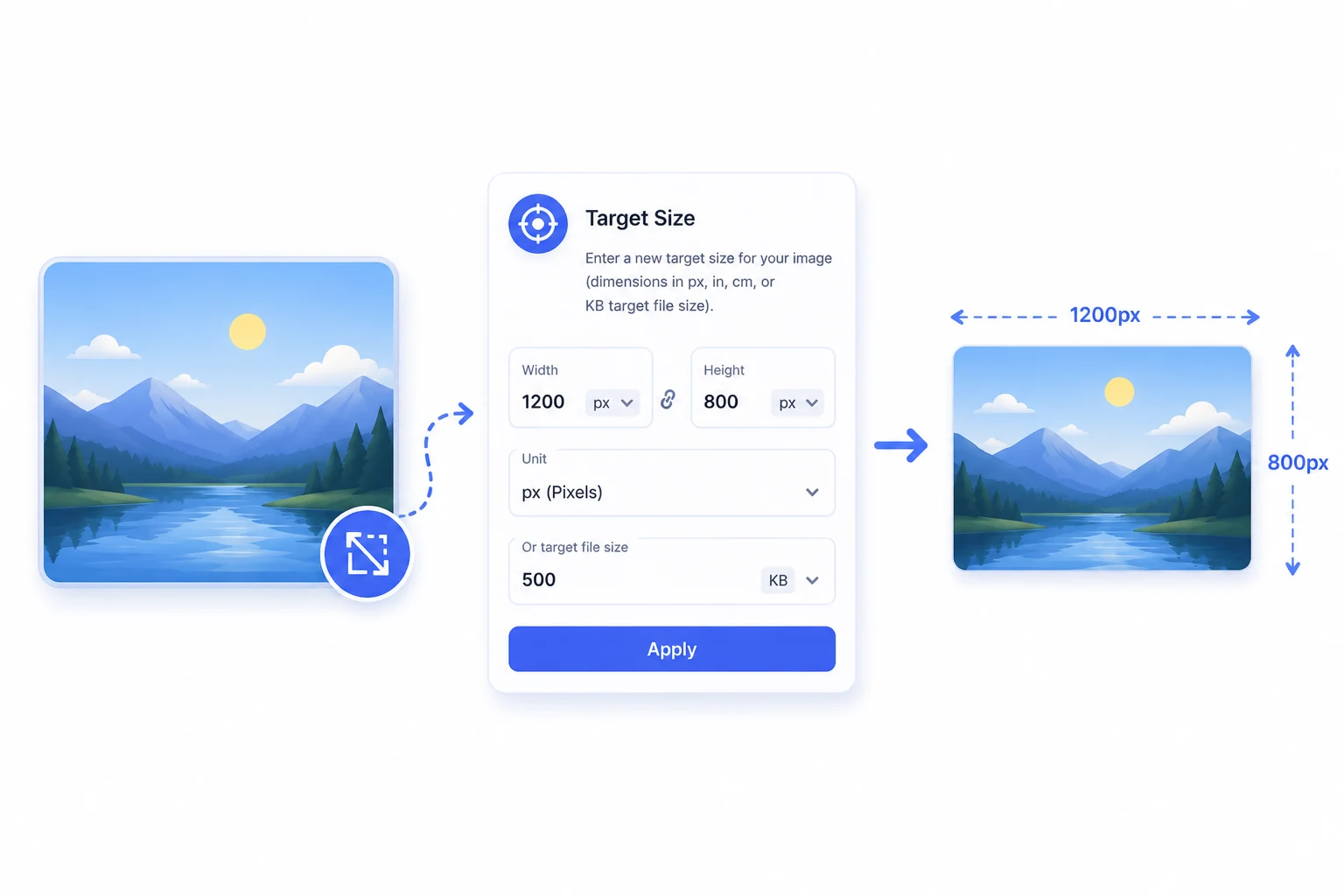
Enter target size & customise
Enter a new target size for your image (dimensions in px, in, cm, mm, or target file size in KB/MB) and lock aspect ratio or adjust crop.
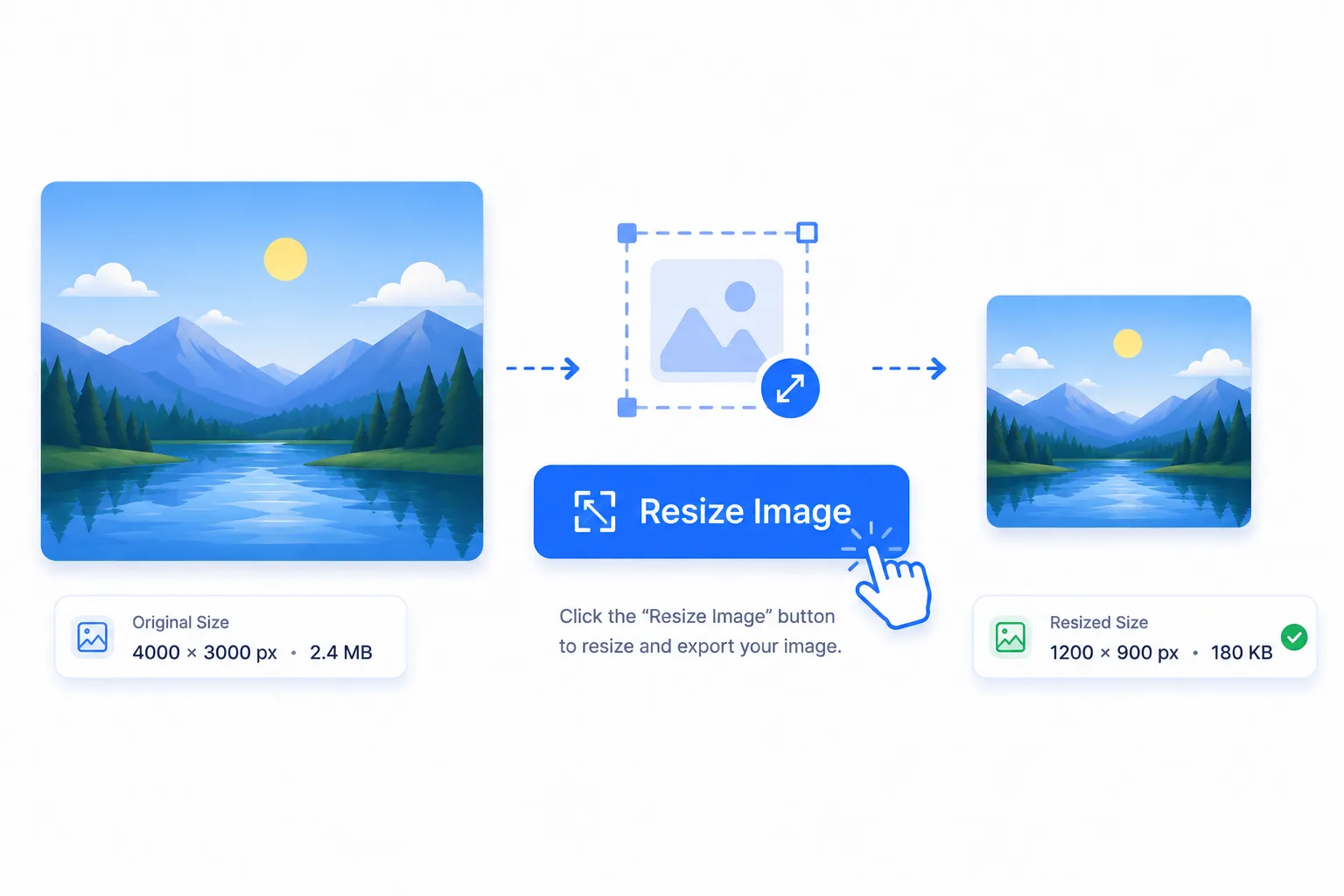
Crop & download
Click the "Crop Image" button to instantly process your cropped image and export in WebP, PNG, JPG, or AVIF format.
Turn your videos into
scroll-stoppers.
Automatically add viral, pixel-perfect captions to your TikTok, Reels, YouTube Shorts and podcasts. Pick from custom styles, edit words, and export in seconds.
Want early access to our next-gen subtitle generator? Sign up now to claim 50 free tokens upon launch!
100+ FONTS